
v1.7.0 · Changelog #0011
A catalog for prices you charge again
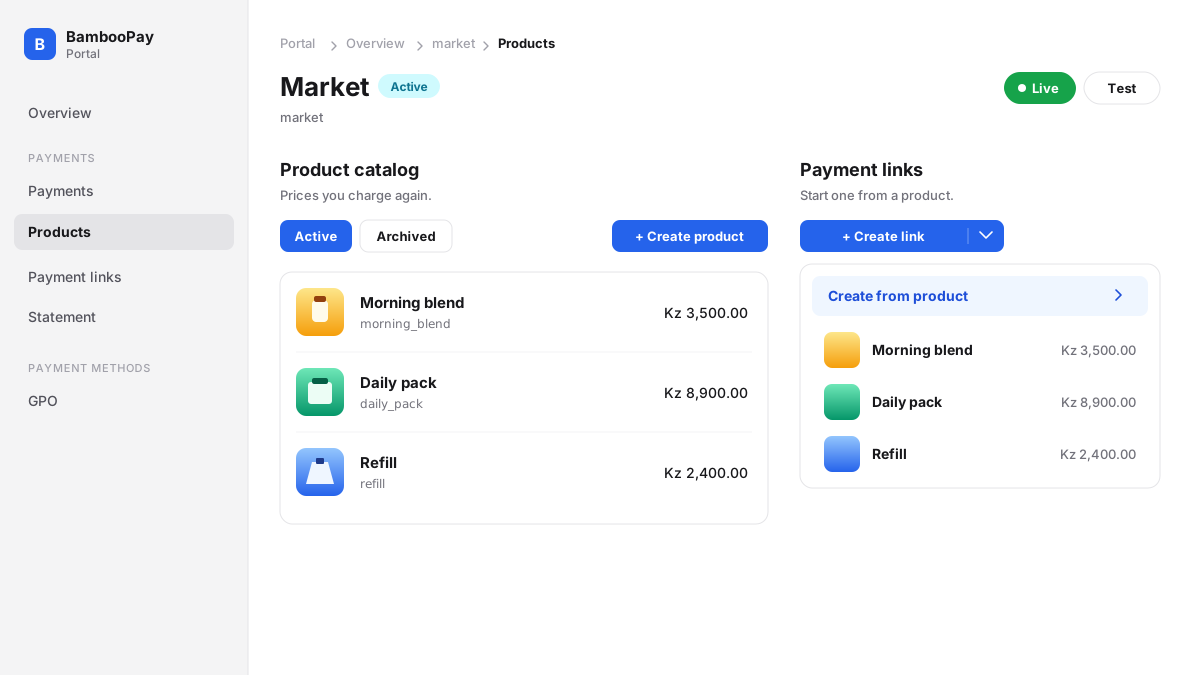
The portal now has a product catalog.
Open Products. Create a product with a name, a price in kwanzas, and a photo. Edit the name, the description, the photos, and the prices when they change. Delete a product you no longer sell. A product a payment already used is archived instead, and those payments stay as they were.
A payment link can start from that product. On Payment links, open Create from product and pick one. The link copies the name, the amount, and the main photo, so you send the charge without typing it again. You can also create the link from the product page. The customer still pays on checkout.