
v1.8.0 · Changelog #0012
Write to Bamboo Pay from the portal
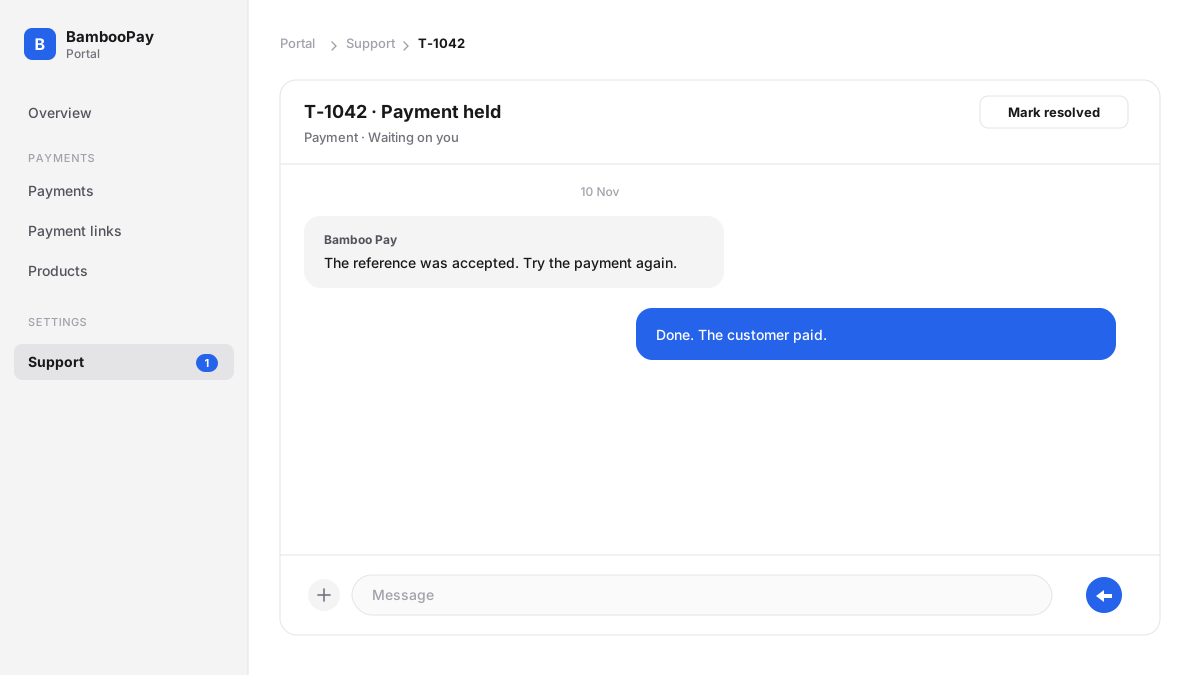
Support now lives in the portal.
Open Support and start a ticket. Add a subject and choose a category: payment, integration, account, or other. Write what happened. You can attach up to four photos or videos.
On a payment, Get help with this payment opens the ticket already tied to that charge.
Bamboo Pay replies in the same ticket. A new message shows up as it is sent, and you get an email when we reply. When a reply is waiting on you, Support shows how many.
You can mark a ticket resolved. A new message opens it again.